
Your smart shopping list
Turn planned meals into an organised shopping list without rebuilding it by hand.
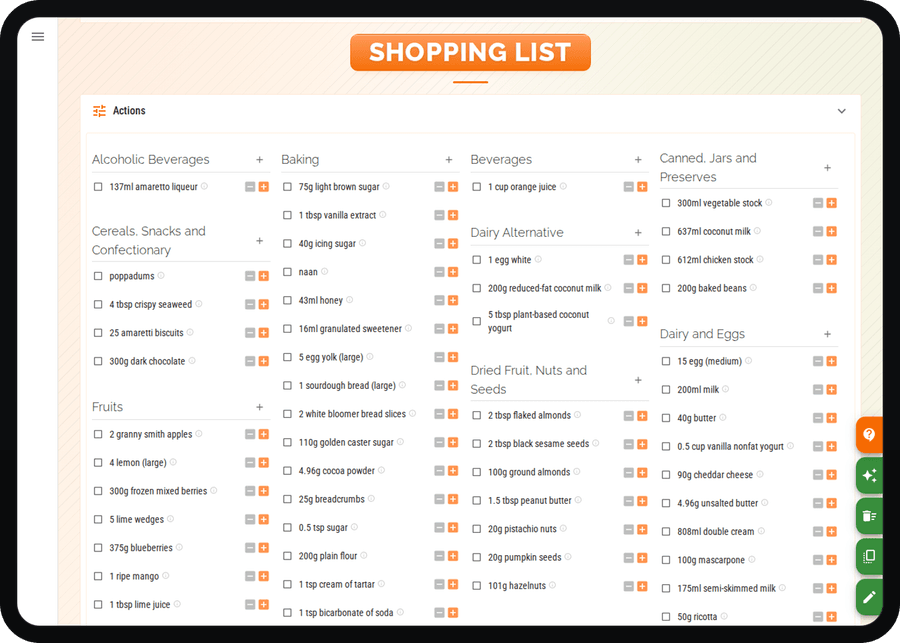
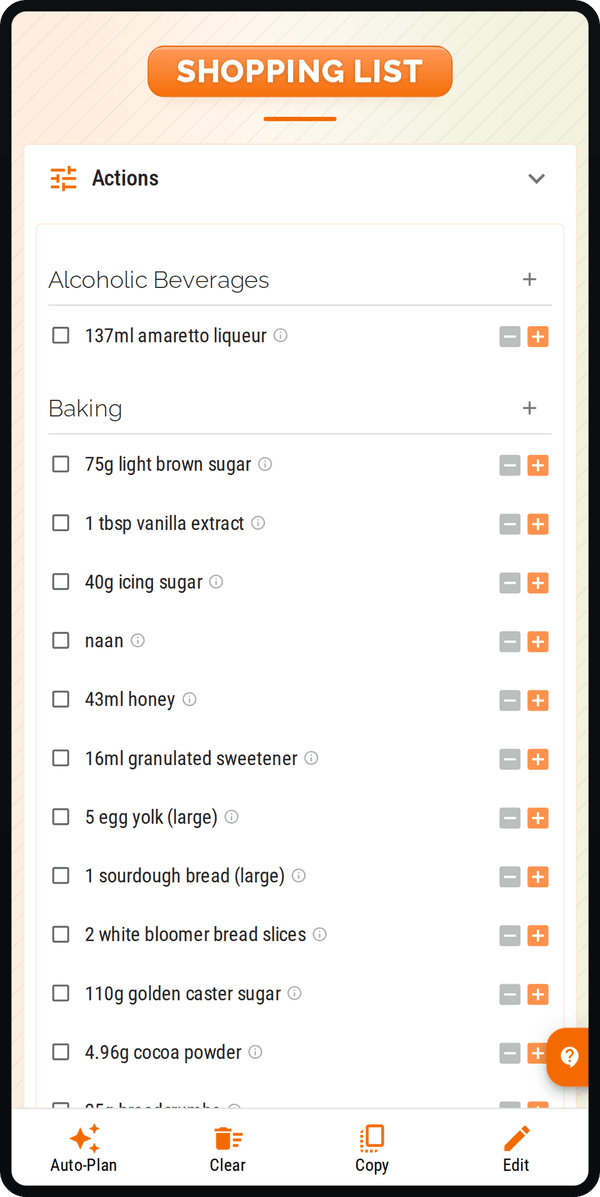
Cenaplan turns weekly meal plans and saved recipes into your smart shopping list, so the food you plan to cook becomes the list you take shopping. Review quantities, add extras, search ingredients, and keep the list aligned with your real week.

Build lists from planned meals
Add recipes to the planner and let their ingredients become the starting point for your weekly shop.
Keep control before you buy
Review quantities, remove ingredients you already have, and add household extras alongside recipe ingredients.
Shop from one connected list
Use categories, search, and item status to keep the list practical while your plan changes.
Connect the full planning flow
A smart shopping list works best when recipes, meal planning, and shopping all stay connected.
A shopping list should not start from memory
Most shopping lists are built after the plan has already happened. You decide what to cook, then try to remember every ingredient, quantity, and extra item before you leave for the shop.
Cenaplan keeps those steps connected. Save recipes in your digital recipe binder, add them to your weekly meal plan, and the ingredients become the basis of a smart shopping list you can actually use at the supermarket.
Automated does not mean locked
The useful part is the starting point: recipe ingredients and planner items are already there. You still stay in control.
In Cenaplan, shopping lists are designed for the real checks people make before buying. You can review quantities, hide things you already have, add custom non-recipe items, search the list, mark items as purchased, and keep ingredients organised around shopping categories.
That makes the list more practical than a plain recipe export. It becomes the bridge between the meals you plan to cook and the shop you actually need to do.
Built for the whole week
A smart shopping list works best when it is part of the planning workflow, not a separate feature.
If you want the step-by-step version, the shopping list from a meal plan guide shows how planned recipes become a list, how custom items fit in, and how the list can be reviewed before shopping.
Frequently Asked Questions
What is an automated shopping list?
An automated shopping list is a list built from structured meal-plan or recipe information instead of being typed out from memory.
How does Cenaplan build shopping lists?
Cenaplan keeps recipes, planner meals, and planner ingredients connected, then presents those ingredients as a shopping list you can review and edit.
Can I add items that are not in a recipe?
Yes. Add custom items so your list can include staples, household extras, or anything else you need for the shop.
Can the shopping list change when my meal plan changes?
Yes. When your planned recipes and planner ingredients change, the shopping workflow can stay aligned with the updated plan.