
Meal planning app vs recipe binder
Recipe storage and meal planning solve different problems, but they work best together.
A digital recipe binder helps you save and find recipes. A meal planning app helps you decide what to cook and when. Cenaplan combines both because the real household workflow needs the recipe, the plan, and the shopping list to stay connected.

Recipe binder
Best for capturing, editing, tagging, searching, and favouriting recipes.
Meal planning app
Best for arranging meals across a week, handling servings, and coordinating food decisions.
Food planning app
Best when recipes, planning, shopping lists, household use, and assistant features work together.
Compare The Workflows
These pages go deeper into each part of the Cenaplan planning system.
The short answer
A digital recipe binder helps you answer: "Where is that recipe?"
A meal planning app helps you answer: "What are we eating this week?"
A food planning app connects both questions to the practical next step: "What do we need to buy?"
That is why Cenaplan combines a digital recipe binder, a food planning app, automated shopping lists, household features, and a recipe assistant app. Each part solves a different piece of the same weekly routine.
What a digital recipe binder does well
A recipe binder is about collection and retrieval.
It is useful when your recipes are scattered across:
- Website bookmarks.
- Screenshots.
- Cookbook photos.
- Handwritten notes.
- Social posts.
- Family recipes.
- Recipes generated or adapted over time.
A good binder lets you capture those recipes, clean them up, tag them, search them, and favourite the ones you repeat.
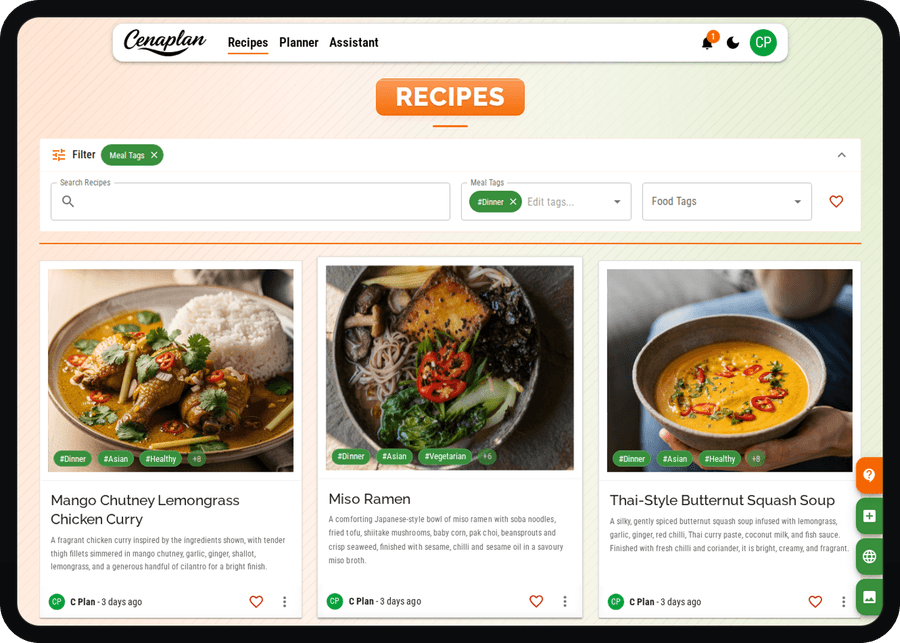
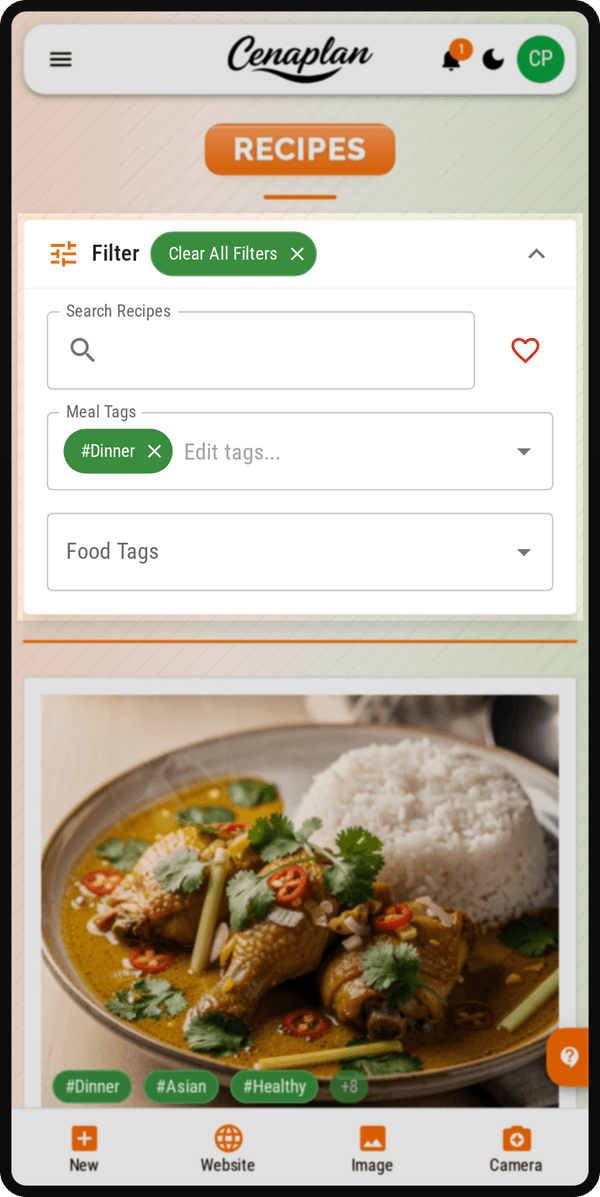
Cenaplan's binder workflow supports importing recipes from website links and images, taking photos, editing saved recipes, keeping source information, searching by recipe details, filtering by tags, and marking favourites. That makes it more useful than a folder of screenshots because the recipes become structured enough to find and reuse.
Where a recipe binder falls short on its own
A binder does not automatically decide when you will cook something.
You can have a beautiful recipe collection and still stare at it on Sunday night wondering what belongs in the week. You can save hundreds of recipes and still forget ingredients. You can find the pasta recipe and still not know whether it fits Tuesday, whether you need leftovers, or whether you already planned three similar meals.
That is where meal planning becomes a separate need.
Recipe storage answers the library problem. Meal planning answers the calendar problem.
What a meal planning app does well
A meal planning app is about decisions and timing.
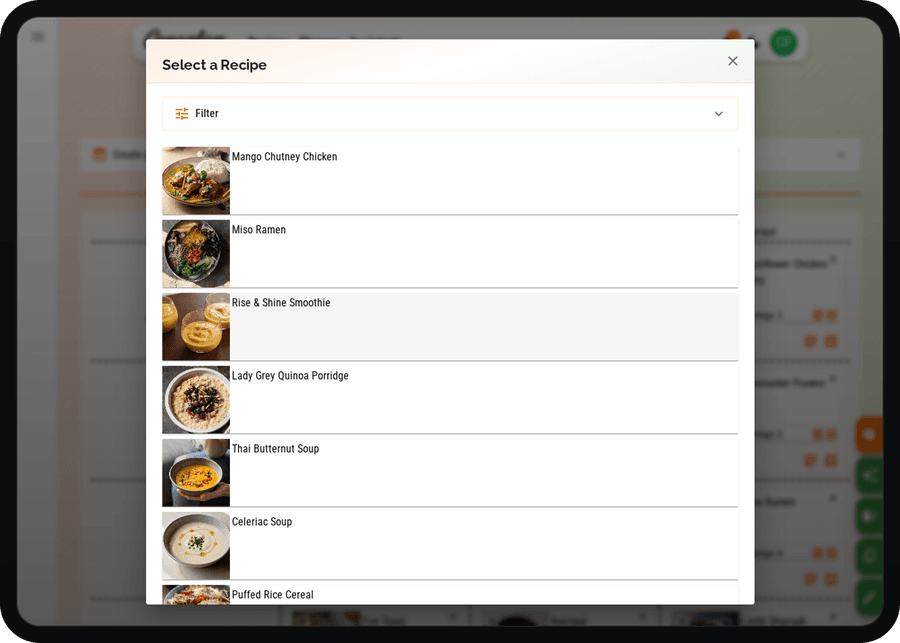
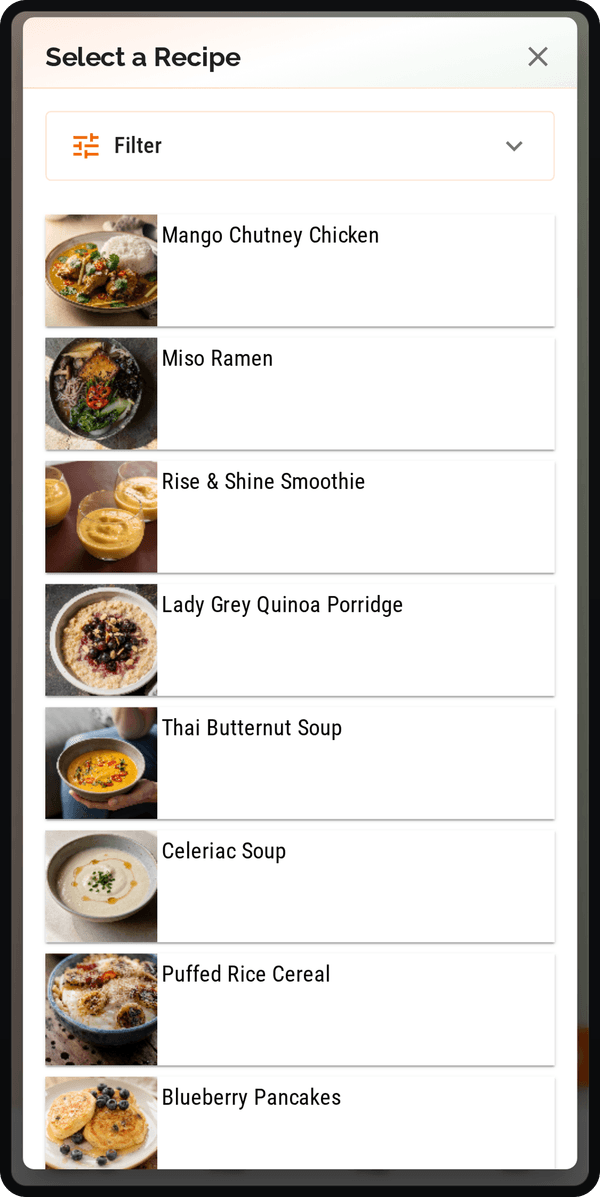
It helps you place meals across days, balance effort, reuse good weeks, and coordinate with the people who eat from the plan. In Cenaplan, the planner supports week and date-range plans, breakfast/lunch/dinner style meal slots, recipes, notes, planner copying, moving meals, and shopping-list ingredients.
That means the plan can include:
- A saved recipe from the binder.
- A note like "leftovers".
- A flexible meal.
- A copied plan from a previous week.
- A recipe selected by rule with Auto-Plan on eligible plans.
This is much closer to real life than a rigid seven-day menu template.
Where a meal planner falls short on its own
A meal planner without a recipe binder often becomes manual.
You can type "chicken curry" into Tuesday, but if the recipe is somewhere else, the planner does not know the ingredients. You can write "lasagne", but the shopping list cannot build itself from a note. You can plan meals, but still need to hunt through bookmarks and screenshots to cook them.
That is why a planner works better when it can pull from a recipe library.
In Cenaplan, recipes selected in the planner remain connected to the recipe records. The planner can carry ingredient information for the shopping list, while the recipe itself remains editable and searchable in the binder.
What about a recipe organiser app?
"Recipe organiser app" usually sits between binder and planner.
Some recipe organiser apps are mostly storage tools: save recipes, tag recipes, search recipes. Others add planning, shopping lists, or nutrition. The label can be fuzzy, so the better question is not "what category is this app?" but "which workflow does it support?"
Ask:
- Can I import recipes from the places I actually save them?
- Can I edit the result after import?
- Can I search by name, ingredient, tag, or favourite?
- Can I add recipes directly to a weekly plan?
- Can that plan generate a shopping list?
- Can I adapt servings and ingredients?
- Can household members use the same planning flow?
Cenaplan is designed to cover that wider workflow, which is why "food planning app" is often the best category for it.
Where the AI recipe assistant fits
An assistant is not a replacement for a binder or planner.
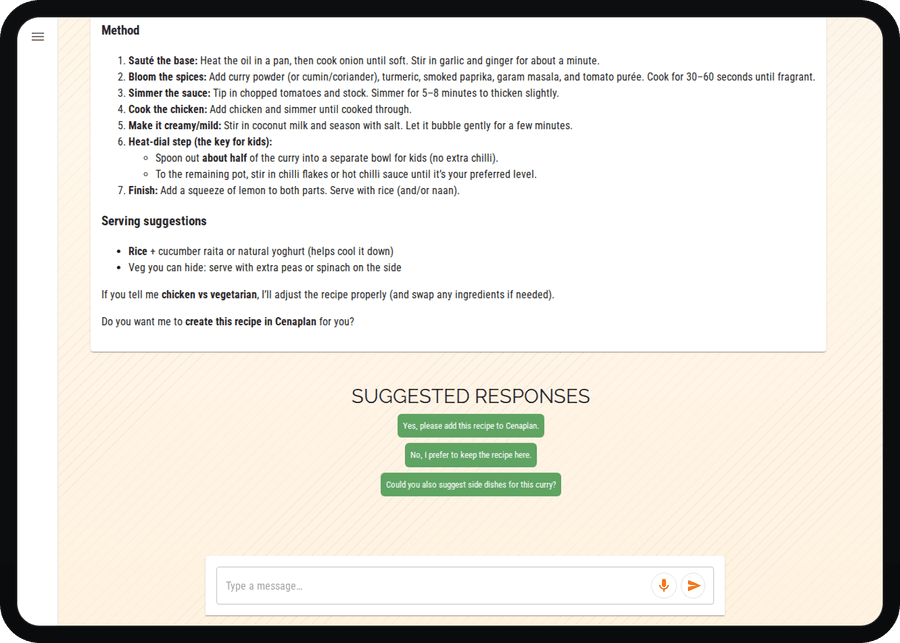
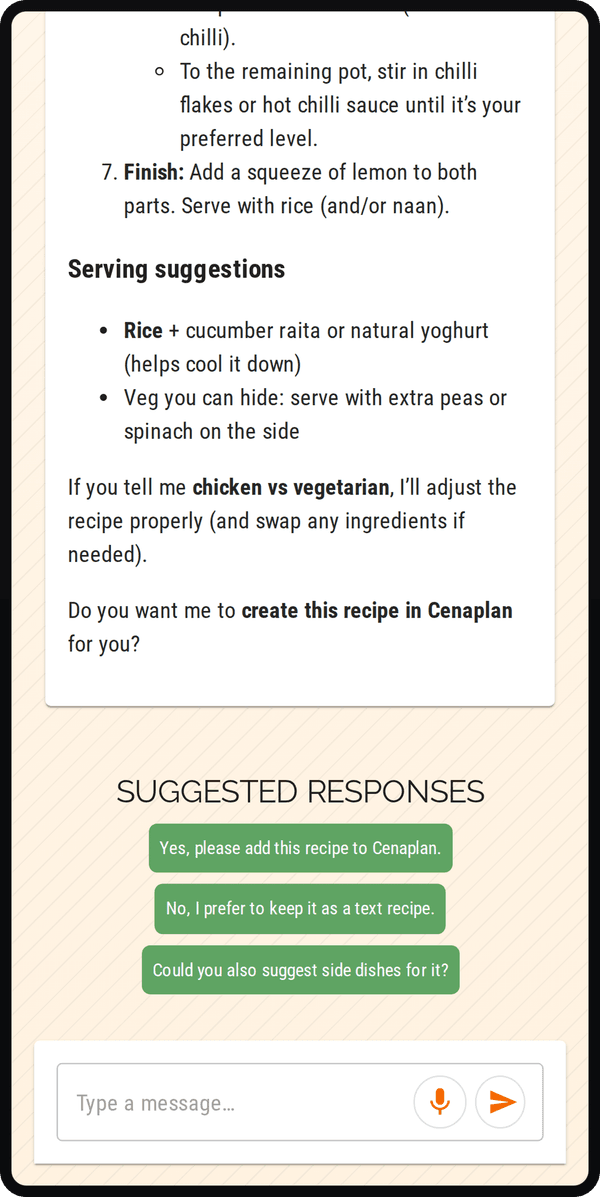
It is best as a decision helper. It can help when you have ingredients but no idea, when you need a recipe adapted, when you want suggestions by cooking time or dietary goal, or when you want to turn a blank planning slot into a real meal.
Cenaplan's assistant features are connected to the wider product. Suggested meals can become recipes and planner options instead of staying as chat text. On eligible plans, Auto-Plan can also fill empty planner slots using recipe rules, servings, filters, and optional calorie limits.
The assistant is most powerful when it has somewhere useful to put the answer.
Which should you choose?
Choose a digital recipe binder if your biggest problem is that recipes are scattered and hard to find.
Choose a meal planning app if your biggest problem is deciding what to cook each week.
Choose an all-in-one food planning app if your real problem is the whole loop: saving recipes, finding them, planning meals, building the shopping list, adapting servings, and coordinating the household.
That full loop is where Cenaplan sits.
It is not just a place to store recipes, and it is not just a calendar for meals. It is a connected workflow for people who want saved recipes to become real dinners with less friction.
Frequently Asked Questions
What is the difference between a meal planning app and a recipe binder?
A recipe binder stores and organises recipes. A meal planning app schedules meals across days and can connect those meals to shopping lists and household planning.
Do I need both a recipe binder and a meal planner?
If you save recipes and plan meals from them, using both together is usually better than keeping them separate.
Is Cenaplan a recipe binder or a meal planning app?
Cenaplan is both. It combines a digital recipe binder, weekly planner, shopping list workflow, and recipe assistant features.
Is an AI recipe assistant a replacement for a meal planner?
No. An assistant can suggest and adapt meals, but a planner is still needed to organise the week and connect choices to shopping.