
Your meal planner
Plan meals your way and make every week feel easier
Break free from the same meals every week and turn mealtime chaos into a feel-good routine with a food planning app that connects your recipe binder, weekly planner, and auto-built shopping list.
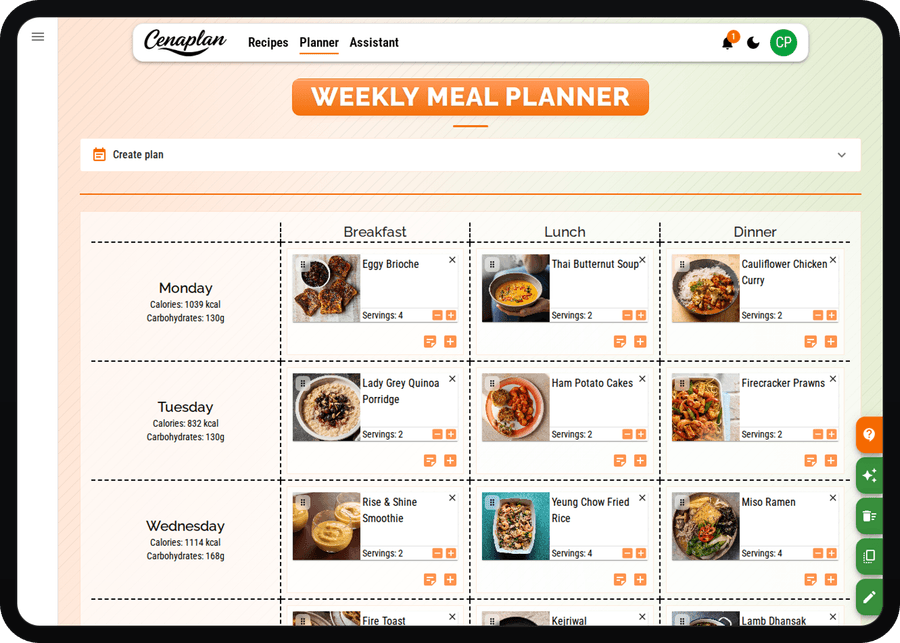
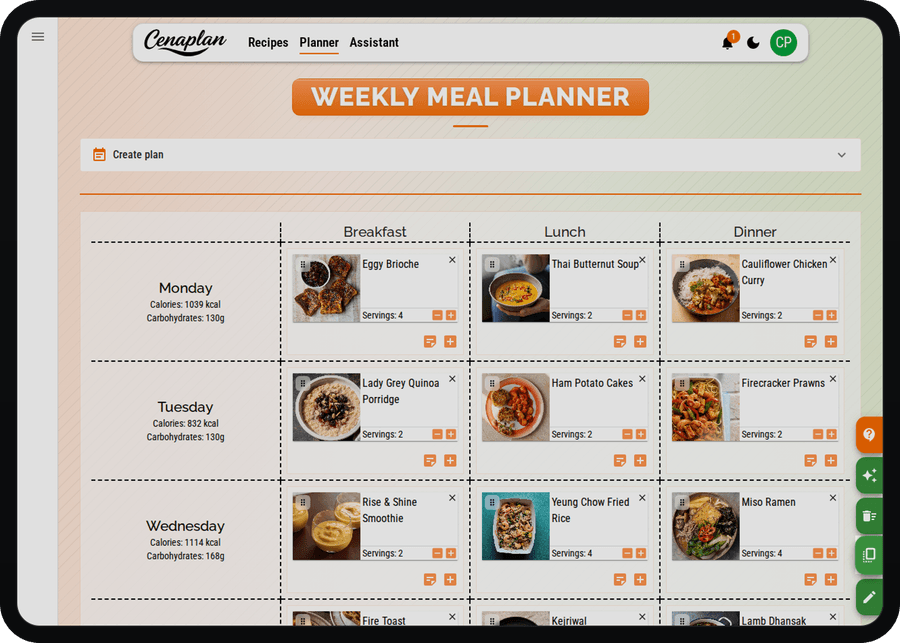
Plan a week at a glance
See your whole week in one simple grid and make faster meal decisions with less stress. Cenaplan works as a food planning app where your recipes, meals, and shopping list stay in one flow. Add breakfast, lunch, and dinner in seconds, drop in recipes, or jot quick notes for flexible days. Stay organised, avoid last minute guesswork, and keep your weekly menu connected to automated shopping lists.
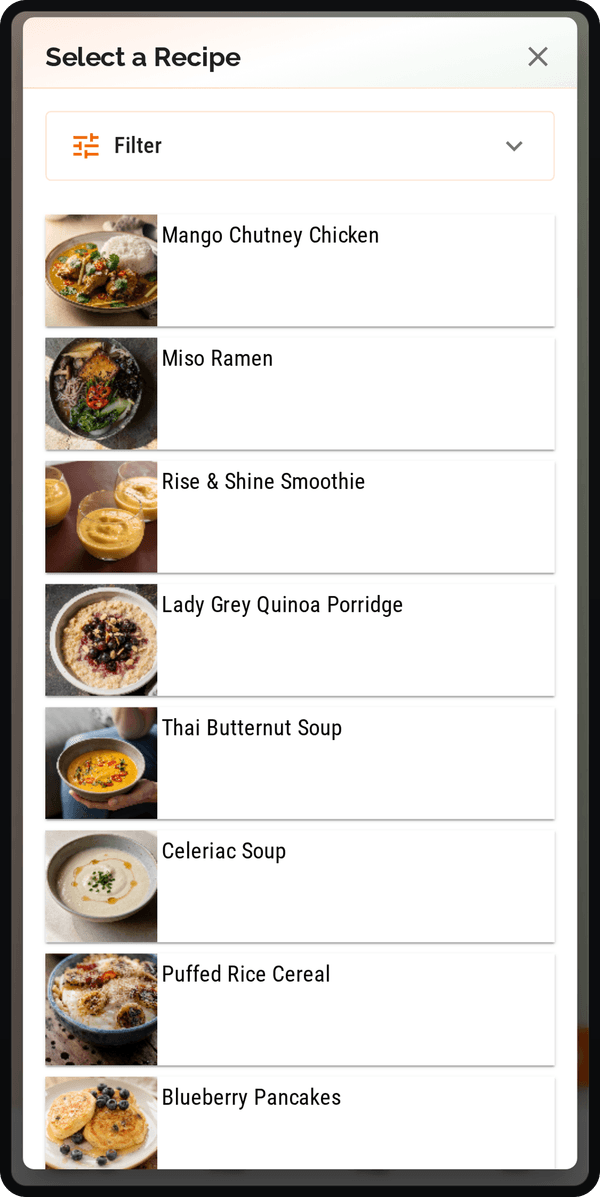
Add meals in seconds
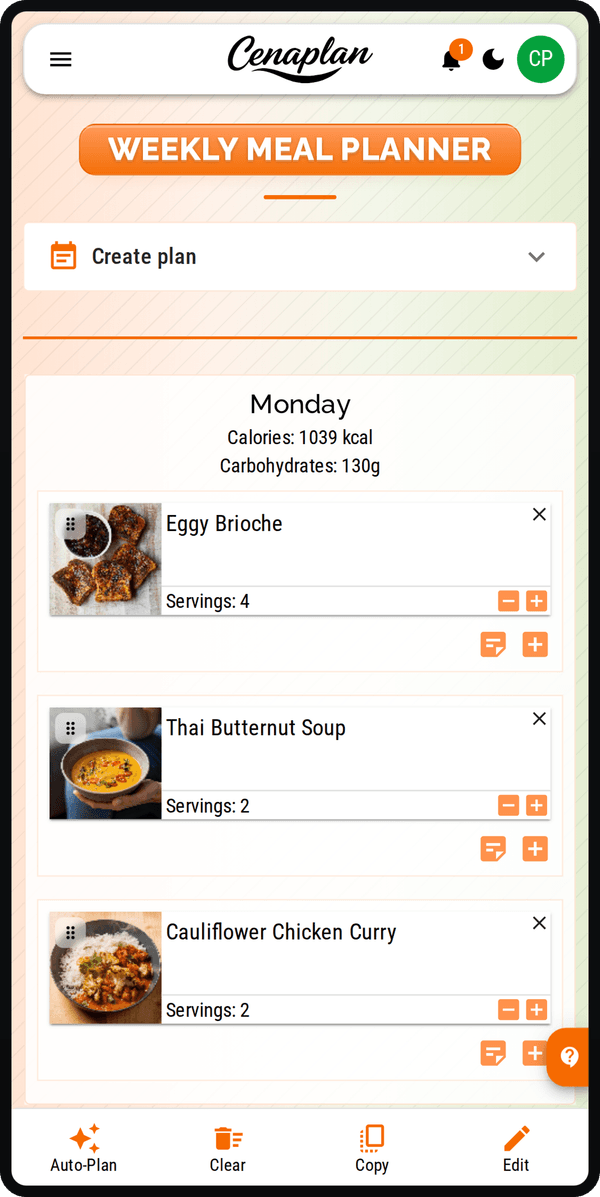
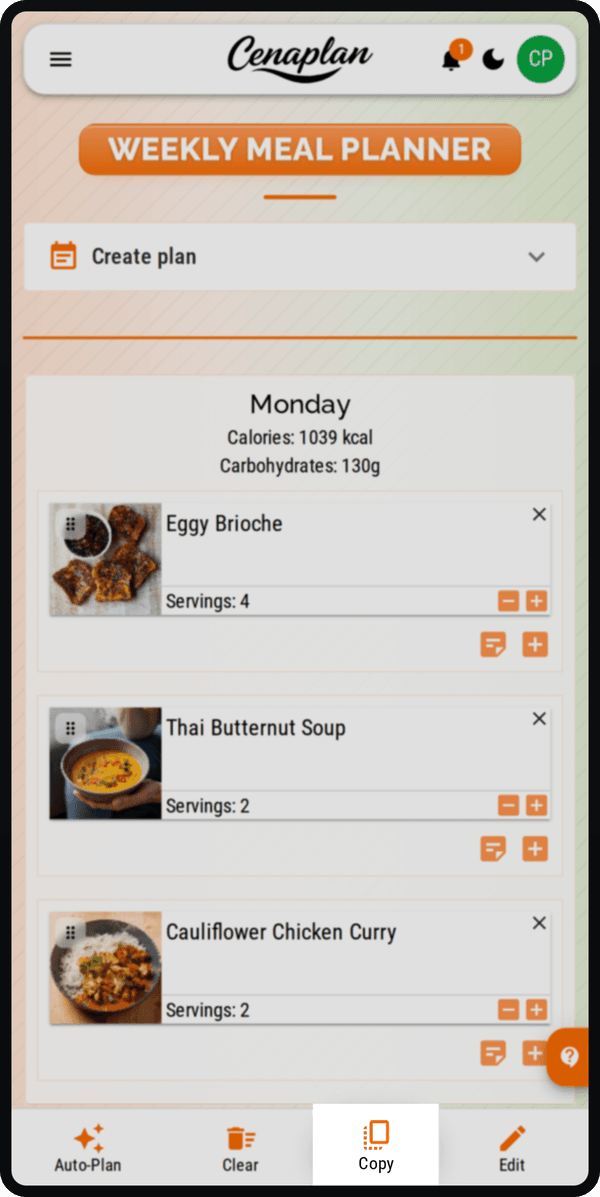
Add meals in a few taps while you are on the go, on the sofa, or standing in the supermarket aisle. The mobile quick add flow lets you schedule a recipe from your digital recipe binder, add a note, or drop in leftovers without breaking your routine. It is fast, simple, and built for real life so your plan stays up to date wherever you are.
Copy your favourite week
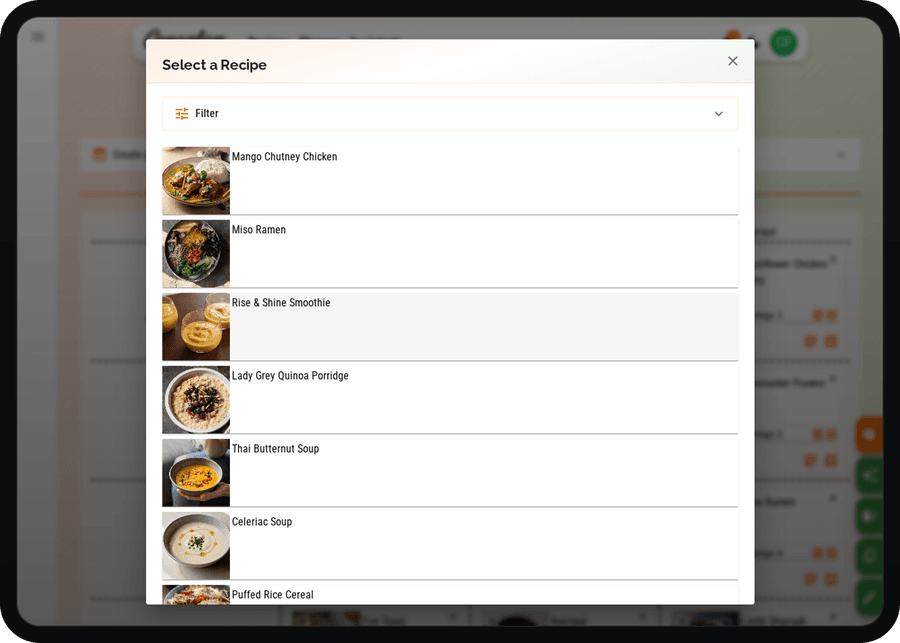
Loved this week's plan? Reuse it in seconds instead of starting from scratch. Copy a full week, shift meals around, it is a simple way to stay consistent, save planning time, and keep mealtimes running smoothly.
Build a shopping list from your plan
Turn your weekly meals into a ready to use shopping list in seconds. As you plan breakfasts, lunches, and dinners, your ingredients flow straight into one organised list. It is a simple way to shop faster, waste less, and feel prepared for the week ahead. When you are short on ideas, the recipe assistant app can help turn ingredients, cravings, or dietary goals into meals you can add to the plan.
Choose recipe
Start from a saved recipe.Plan the meal
Place it in the week.Review list
Ingredients flow in.Adjust shop
Add extras as needed.Choose recipe
Plan the meal
Review list
Adjust shop