Your AI recipe assistant
Think of it as a sous chef that never sleeps.
The AI recipe assistant helps you plan, adapt and create meals in seconds, whether you're starting with a single ingredient, a saved recipe, a dietary goal, or absolutely no idea what to cook.

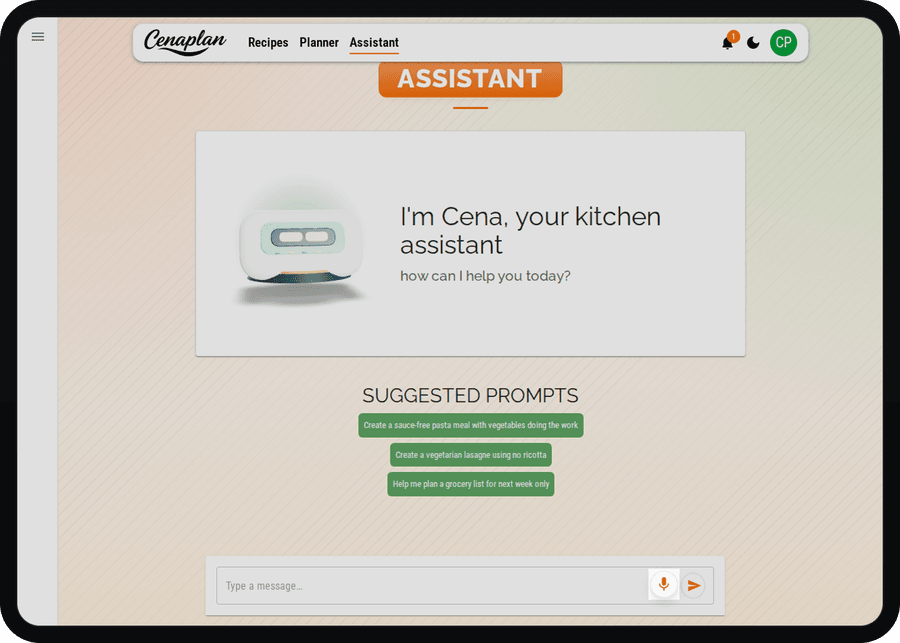
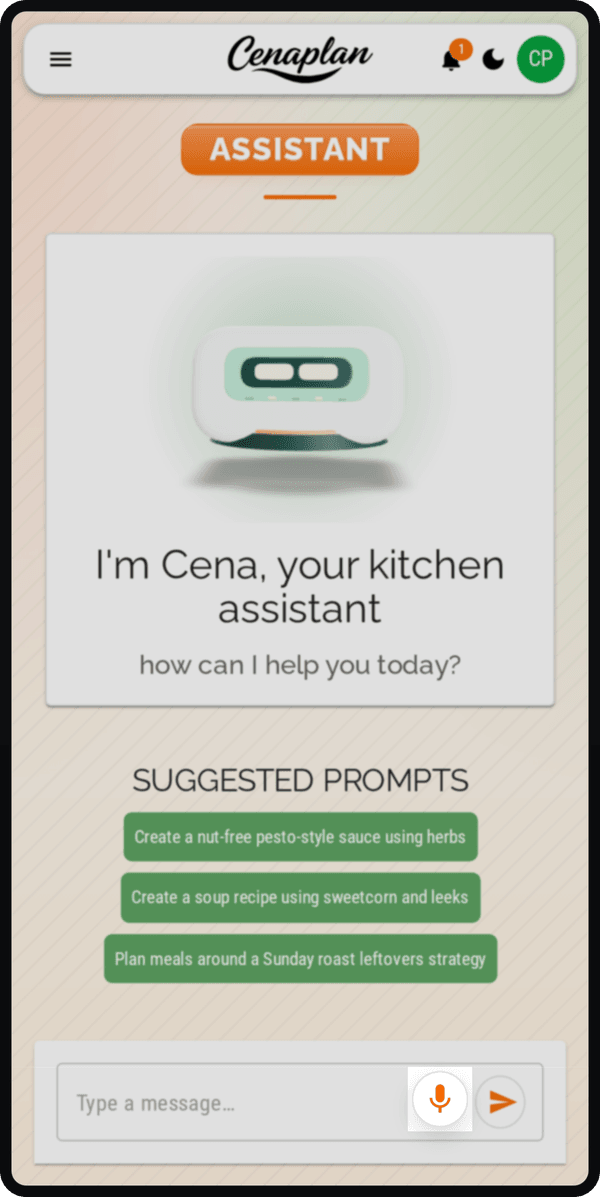
Suggested prompts to get started
Not sure what to ask? Start with a prompt and let the AI take it from there.
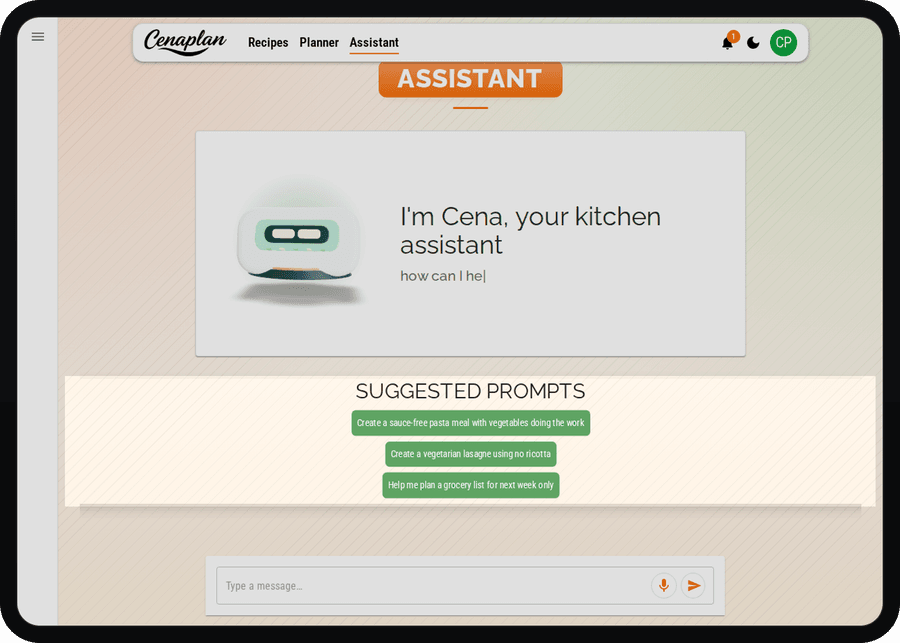
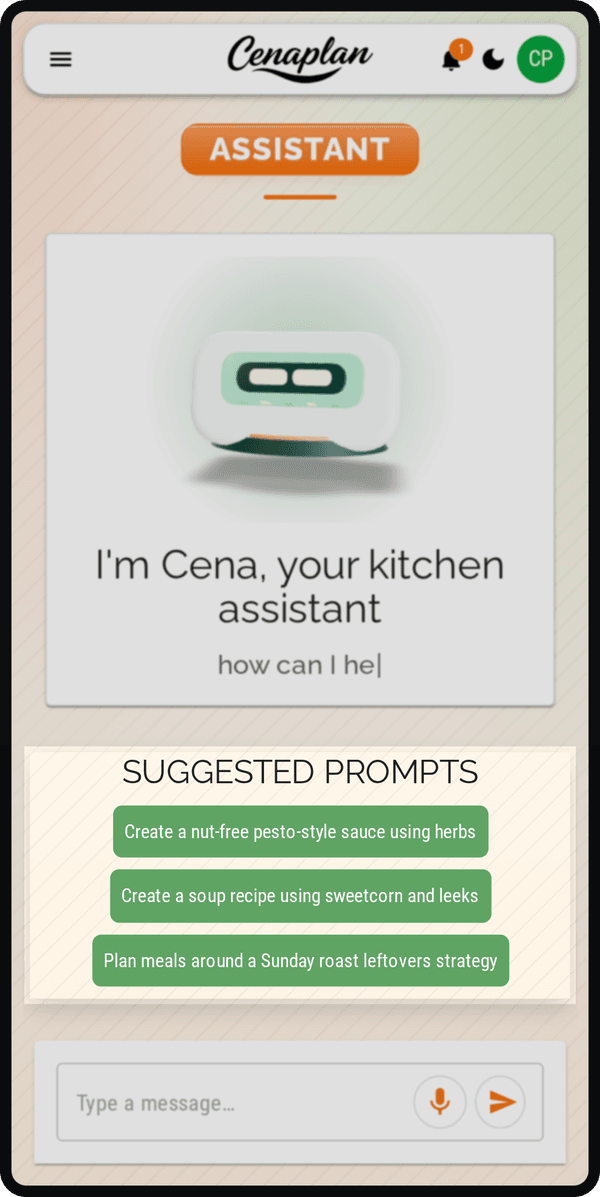
Suggested prompts give you quick, ready-made ideas to unlock the full potential of your recipe assistant app. Whether you want something practical, creative or specific, a single tap can spark a complete recipe. They're designed to remove the blank-page feeling and help you discover what's possible. Pick a prompt, refine it if you like, and watch a tailored recipe come together in seconds.
Speak or type. We'll handle the rest.
However you prefer to communicate, your AI recipe assistant is ready.
Type a quick request while you're on the train. Speak out loud while you're chopping vegetables. Ask for changes mid-recipe without stopping what you're doing. It responds instantly, adapting as you go. It's designed to feel natural, more like a conversation than a search box. No rigid filters. No perfect phrasing required. Just tell it what you want, by voice or text, and keep cooking.
Turn a suggestion into a next step
A good answer should not leave you wondering what to do next.
When the assistant gives you an idea, Cenaplan keeps the conversation moving with clear follow-up actions. You can ask for a useful variation, turn the idea into something more structured, or keep refining the response until it feels ready to save.
That matters because recipe inspiration is rarely finished after one message. The next step might be making it quicker, changing the style, adding more detail, or moving toward a recipe you can actually cook.
Start
Pick a prompt.Discuss
Shape the idea.Act
Use next steps.Save
Open the recipe.Start
Discuss
Act
Save
Refine recipes in real time
Recipes aren't fixed, and neither is your taste.
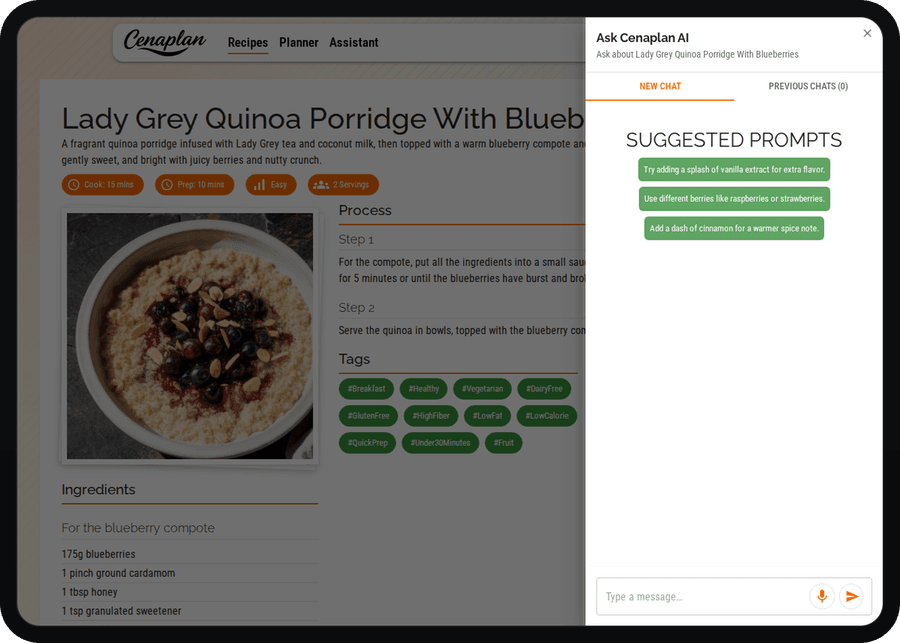
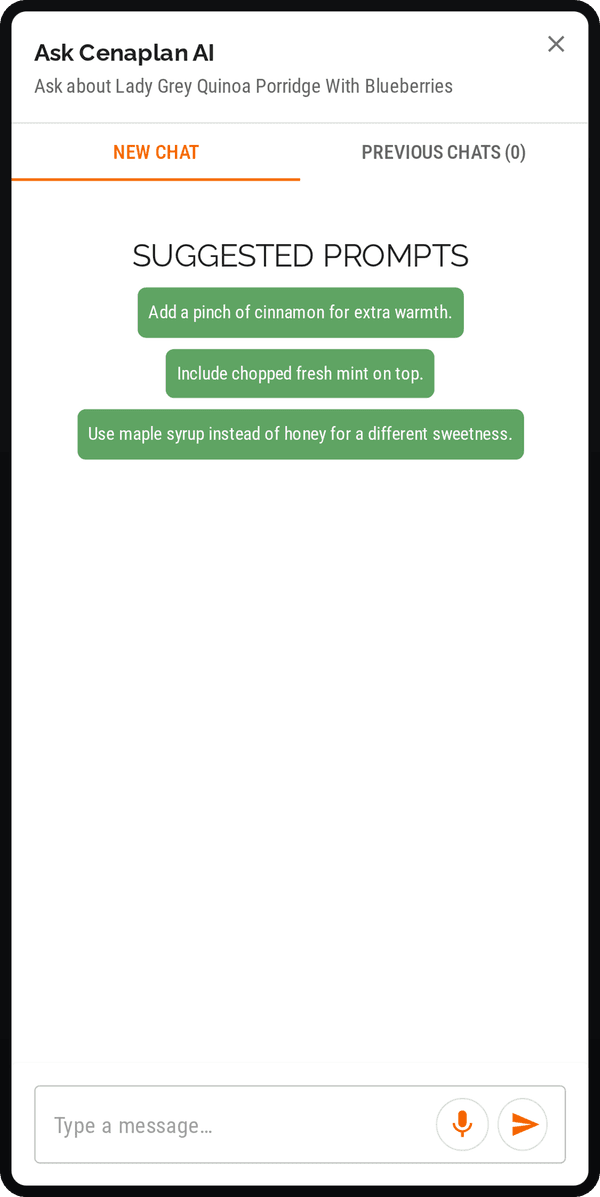
While viewing any saved recipe from your digital recipe binder, you can chat directly with your AI assistant to adjust it on the spot. Want more garlic? Less chilli? A creamier sauce? A quicker method? Just say so.
Instead of manually editing quantities or guessing conversions, the assistant updates the recipe for you , keeping proportions balanced and instructions accurate. It's like having a flexible sous chef beside you, ready to tweak, refine and perfect the dish until it suits you exactly.