
A starting point for the week
Sometimes the hardest part of meal planning is filling the first few empty spaces. You already have recipes you like, but turning that collection into a week still takes a series of decisions.
You can now use Auto-Plan to fill meals from your saved recipe collection. Choose the rules, review the suggestions and make the week your own. You can still choose meals one at a time whenever you prefer.
Choose the rules, then review the meals
Open Auto-Plan from the planner actions, choose the available planning rules and review the meals it proposes. You can change the selection afterwards and adjust servings to suit the people eating.
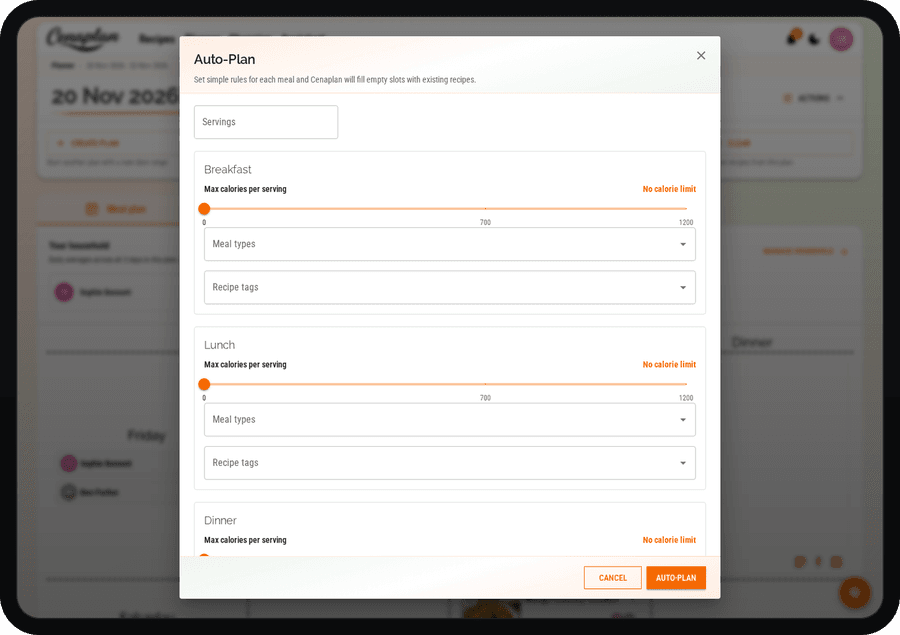
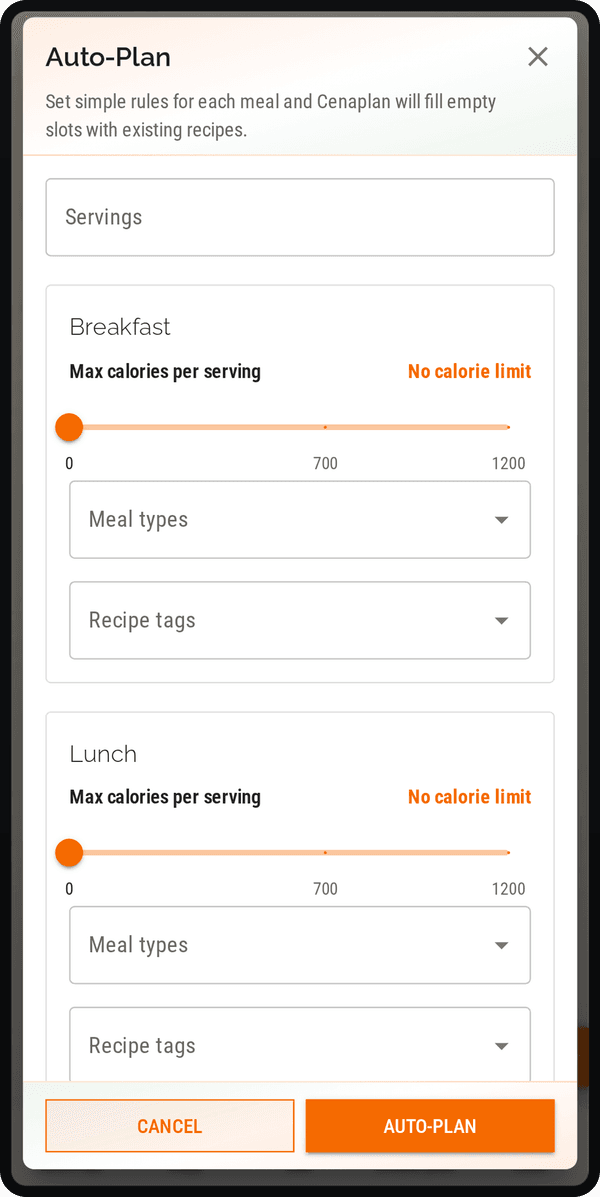
A useful routine is to start with the days that need the most help. Keep your fixed commitments and leftover meals in mind, review the proposed recipes, then check that the portions and ingredients fit the week you actually have.
Auto-Plan depends on your recipe collection and the choices available to your account. A smaller or more varied collection can lead to different results. It is a starting point to review, not a promise that every household preference will be satisfied automatically. Availability depends on your subscription and account access.
Keep a week that works
Once you have a plan you like, the planner's copy workflow helps you reuse a useful starting point. You can also make changes without losing the connection between the planned recipes and Shopping.
If you prefer to build the week manually, that workflow remains available too. Our weekly meal-planning guide walks through recipes, flexible days, leftovers and servings. The shopping-list guide follows the next step: turning the meals into ingredients to buy.
Explore the meal planner