
Plan the rest of the plate
The main recipe is often only part of dinner. You might want potatoes, vegetables or another simple accompaniment beside it, and those choices still affect the portions and ingredients you need.
You can now add prepared sides alongside the recipes in your plan. Choose an accompaniment and its preparation without having to save a separate recipe for every side.
Choose a side and its preparation
Use Add side in a planner meal to browse or search the available catalogue. Choose a side and one of its supported preparations, then review its portion settings and any available extras.
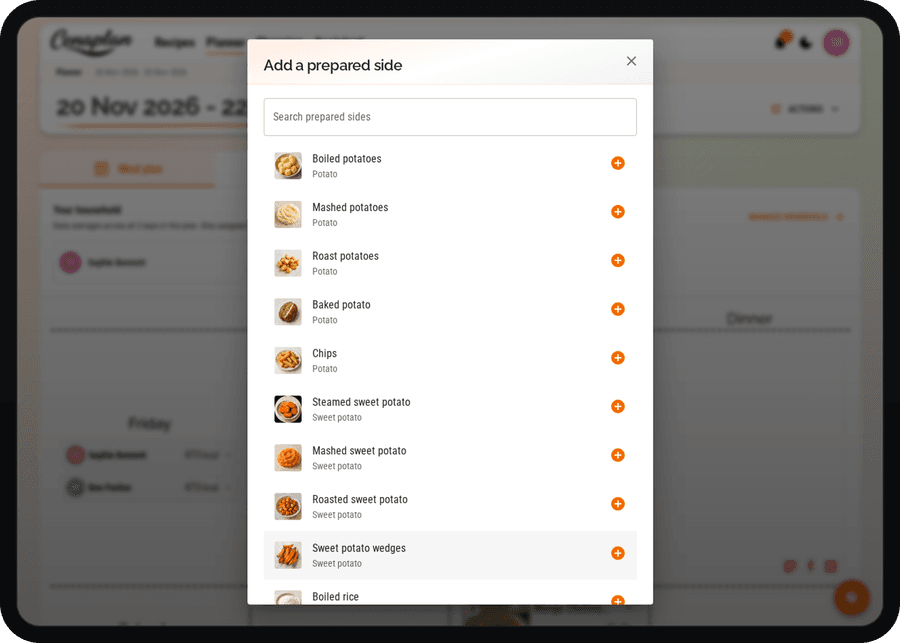
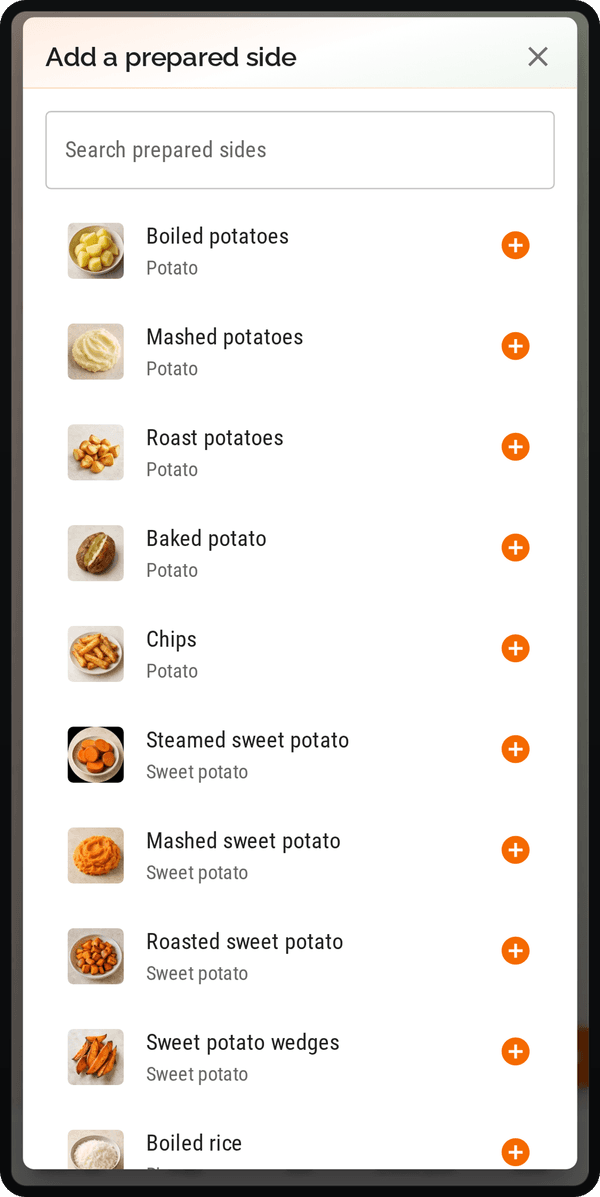
A preparation is a meaningful choice. The potatoes you want to roast are different from a generic note saying "potatoes", and optional extras can affect the ingredients and nutrition you need to review. Available sides and options are defined by the catalogue; it is not a promise that every food or preparation will be listed.
Keep the whole meal connected
Prepared sides sit beside the saved recipes in your plan. You can review the main dish, accompaniment and relevant portion settings together before checking Shopping.
For a meal such as a saved curry with rice or a main dish with vegetables, this gives the accompaniment a more useful role than leaving it as something to remember later. Check the resulting shopping quantities and any calculation warnings before buying.
Your own sauces and more involved preparations may still work better as saved, linked recipes. The recipe binder explains that relationship, while the meal-planning guide helps you decide how much of a week to plan in advance.
Explore the meal planner