
Turn a page into something you can cook from
A cookbook page can contain much more than a list of ingredients: a method, preparation notes, separate components and sometimes another recipe beside it. Keeping those details together matters when you want to cook the dish again.
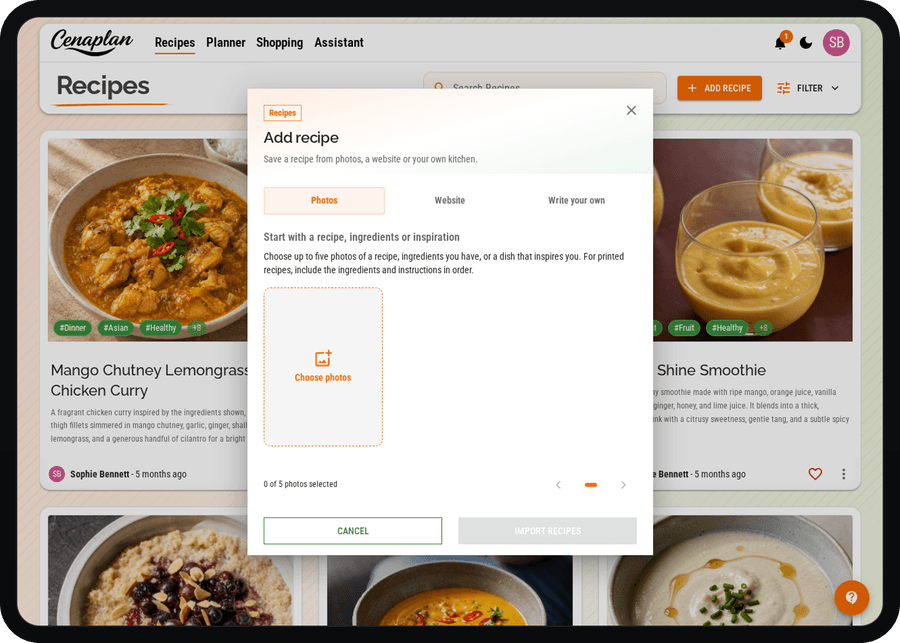
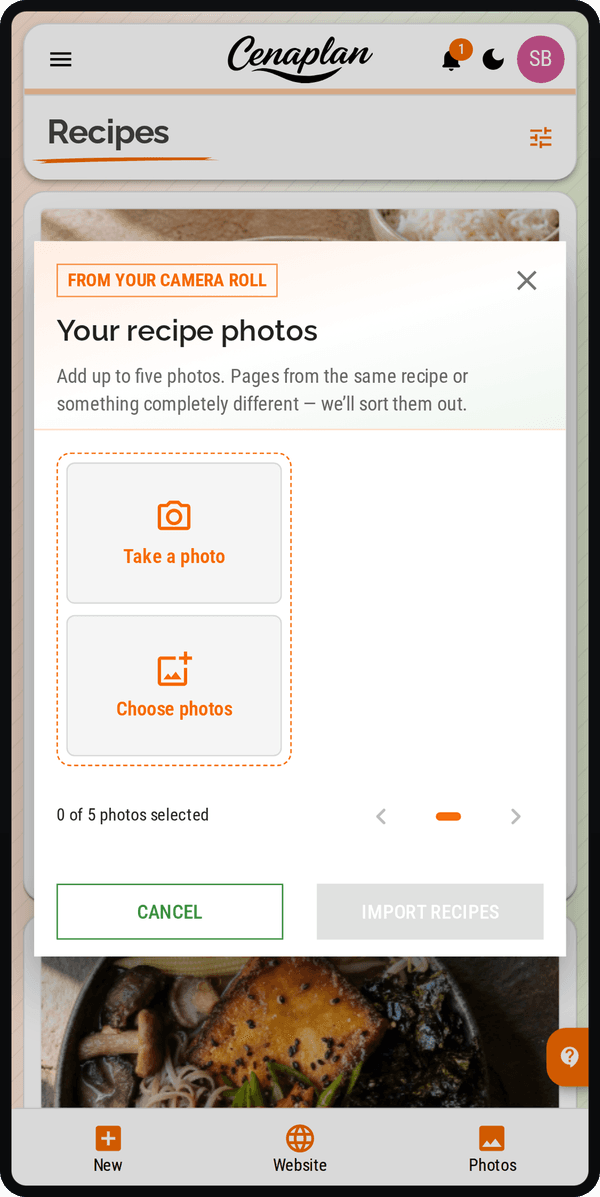
We've reworked photo importing to give the different parts of a recipe more focused attention. Cenaplan identifies the recipe on the page, then reads its ingredients and instructions separately before bringing them together in your binder.
Keep ingredients and steps organised
Import a clear photograph of your recipe and review the result when it is ready. Check that the ingredients, quantities and method belong to the dish you intended to save, especially when the page contains several recipes.
The import also considers how ingredients are grouped. A sauce and a filling are easier to follow when their ingredients remain in useful sections, rather than losing that structure in one long list.
Make a useful saved copy
Take the photograph straight on, with readable text and the full recipe in view. Once it is imported, compare the saved quantities and steps with the page and correct anything that needs attention.
You can then find the recipe in your collection and add it to a meal plan. Our recipe organisation guide explains how to turn photographed pages and saved links into a collection you can use throughout the week.
Explore photo importing