
Give your question more context
Some cooking questions are easier to ask with a picture. A photograph can help show the dish, ingredients or recipe detail you are trying to explain.
You can now add a photo to your recipe assistant conversation. Show the ingredients, dish or recipe detail you want to discuss, then ask your question alongside it.
Ask about what matters in the picture
Use the image controls in the assistant composer to select a supported photo, or use the available camera option on your device. Add a short explanation of what you want help with. A focused question gives the conversation a clearer purpose than an image on its own.
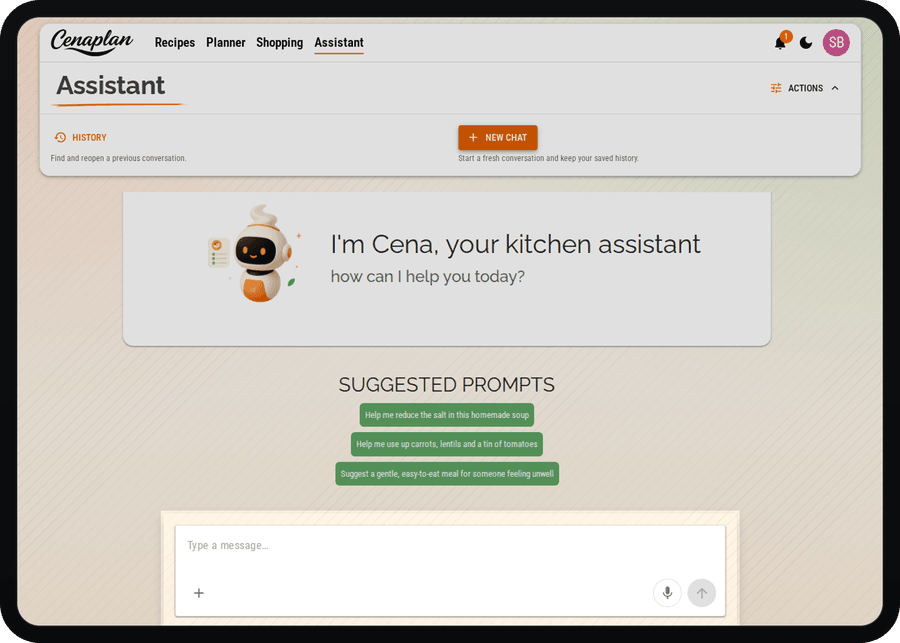
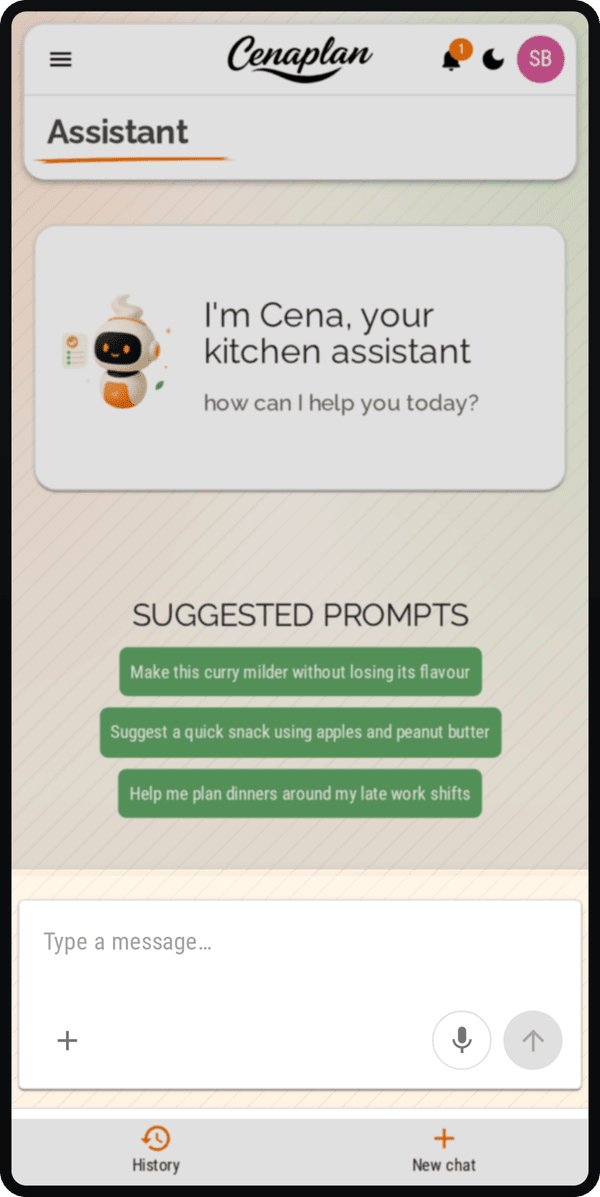
For example, you might show ingredients and ask for ideas, or share a recipe detail you want help adapting. Review the response against what you can see and what you know about the food. A photo may leave out quantities or other important details, so add those in your own words when they matter.
Image interpretation can be incomplete. Check suggested ingredients, quantities and instructions before using them, particularly where a substitution needs to meet a specific dietary requirement. Assistant access and the controls available depend on your account and subscription.
Conversation and importing have different jobs
An assistant conversation is useful when you want to discuss something. If you want a recipe stored with ingredients and instructions in your binder, use the recipe import workflow and review the saved result.
You can then connect the recipe to your meal plan instead of leaving a useful cooking idea in a conversation. The assistant remains one part of the wider recipe-to-plan workflow.
Explore the recipe assistant