
Room to improve a favourite
A recipe rarely stays exactly as you first saved it. You might change the ingredients, adjust the method or ask the assistant to help adapt it. Those changes are useful, but so is being able to return to a version that already worked.
Your saved recipes now have version history. Review an earlier version and restore it when you want to return to something you preferred, giving you more room to experiment.
Review the history before changing course
Open a saved recipe and choose Versions from its actions. Review the available versions and inspect an earlier recipe before deciding whether to restore it. An older preview is separate from editing the current recipe, helping you see what you are returning to.
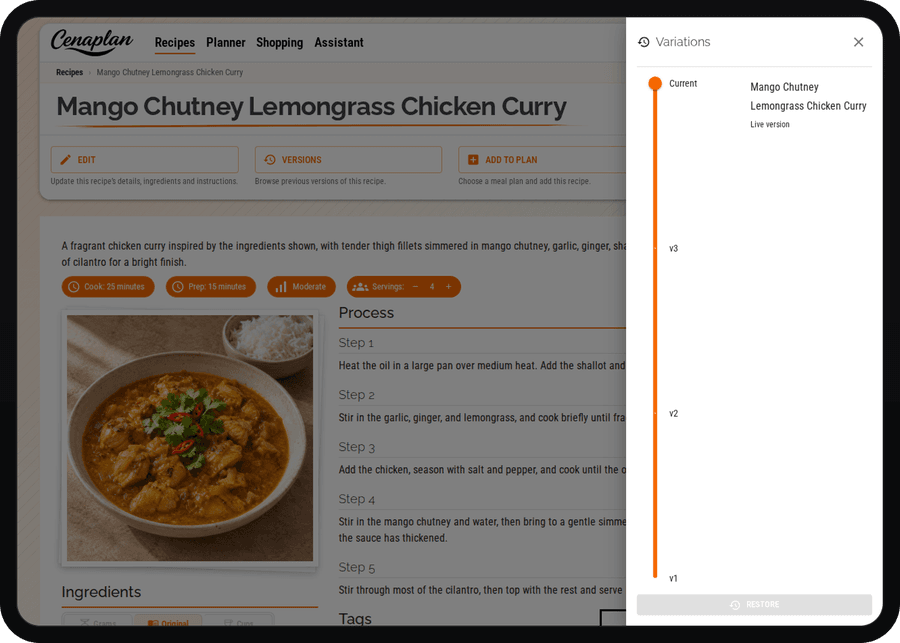
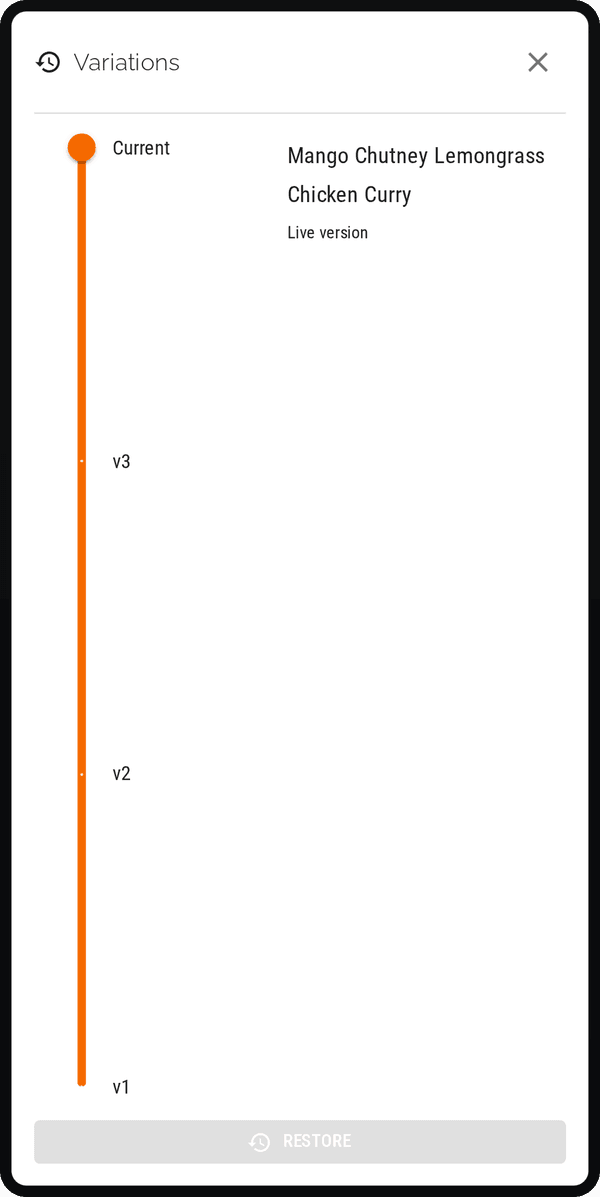
A practical example
Suppose you adapt a family pasta sauce, then decide that you preferred the previous ingredient balance. Version history gives you a way to revisit that earlier recipe instead of trying to remember each change. It is also useful when several small experiments have moved a dish further from the original than you intended.
Restoring a saved version is different from checking the source photograph of an imported recipe. The version records the structured recipe as it was saved; the source image helps you look back at the material you imported. Both can help you review a change, but they serve different purposes.
Start with the recipe binder if you want to collect your recipes first. Our guide to organising recipes digitally explains how a searchable collection fits into your weekly cooking.
Explore the recipe binder